The Foldable Software Problem: Why Flip Phones Still Feel Like Regular Phones
The Cover Screen: A Phone Within a Phone
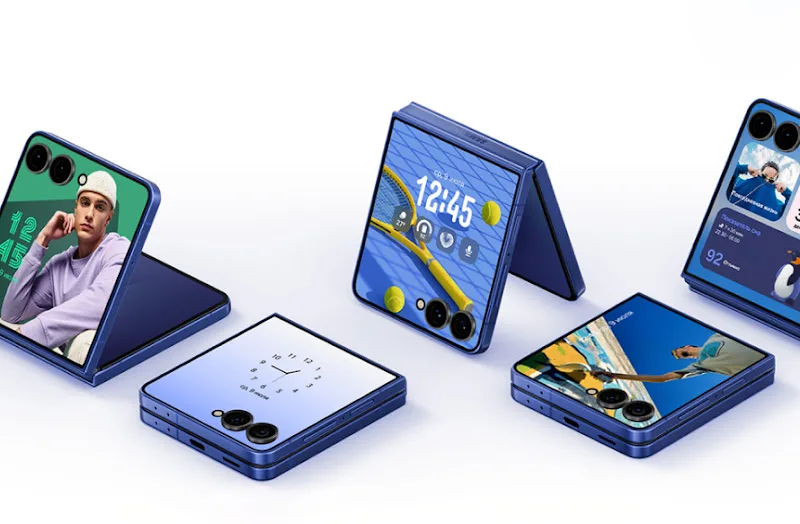
The external display is arguably the most important part of a modern flip phone. It’s what makes it possible to leave the device closed for longer, checking notifications, controlling music, viewing widgets and taking quick selfies without unfolding the main screen.
But there’s a difference between having a cover screen and having a genuinely useful one.
Samsung’s Galaxy Z Flip7, for example, offers widgets, notifications and quick settings on its Flex Window. It also supports running apps on the external display through Samsung’s MultiStar customization tools. The catch is that not every app is optimized for the smaller screen, and some features require additional setup.
That creates an uneven experience. Some apps are perfectly usable when the phone is closed. Others display awkwardly, hide important controls or simply work better on the main screen. You might be able to check a message or glance at a map, but completing a longer task can still mean unfolding the device.
Motorola takes a more open approach to cover-screen app support on its Razr devices, allowing users to access apps and continue using them across the two displays. Its software also provides settings for controlling what happens when the phone closes, including whether an app should continue on the external display.
The important thing to examine isn’t how many apps a manufacturer claims to support. It’s how many you can actually use comfortably without opening the phone.