The Foldable Software Problem: Why Flip Phones Still Feel Like Regular Phones
The Little Things That Break the Experience
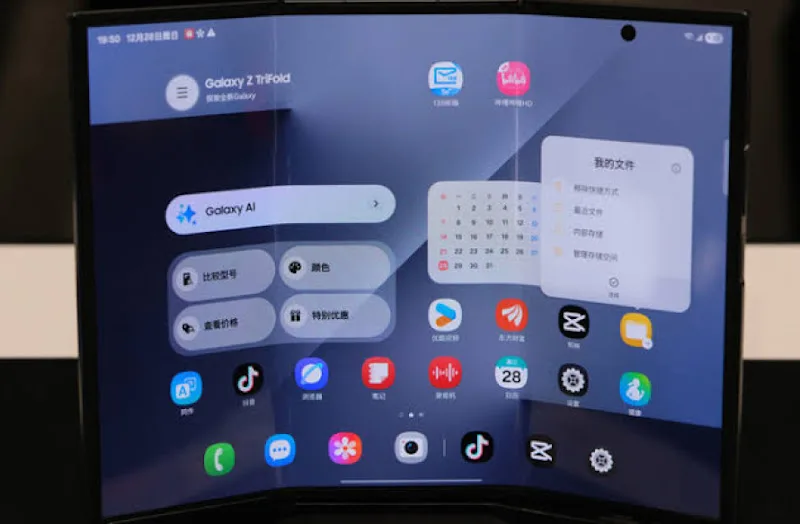
The biggest problems with foldable software aren’t necessarily dramatic. They’re the small interruptions that make the device feel less seamless than it should.
Take app continuity. Ideally, you should be able to start reading an article on the cover screen, unfold the phone and continue at exactly the same place. Then, when you close it again, the app should adapt to the smaller display without losing your progress.
Samsung supports App Continuity, but its documentation notes that only selected apps fully support the feature. Motorola also offers continuity settings that let users decide whether an app should remain available on the external display after folding.
Keyboard behavior deserves the same attention. The cover screen is useful for short replies, but typing on a much smaller display can quickly become uncomfortable. The inner screen offers more room, although unfolding the device just to write a longer message partly defeats the purpose of having an external display.
These details matter because they determine whether a foldable feels like one device with two useful configurations or two screens that don’t quite know how to work together.