The Foldable Software Problem: Why Flip Phones Still Feel Like Regular Phones
Flex Mode: Clever, but How Useful Is It?
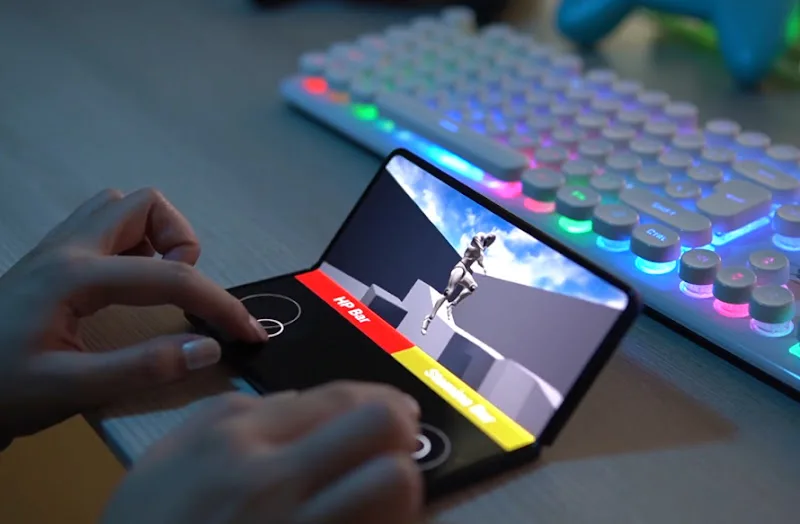
One of the most distinctive features of a flip phone is the ability to leave it partially folded. Samsung calls this Flex Mode, and the idea is simple: instead of holding the device, you place it on a surface and let the two halves serve different purposes.
In compatible apps, the upper portion can display video or a camera preview while the lower portion provides controls. Samsung specifically supports experiences involving Camera, YouTube and Google Meet, among other applications.
This can make certain activities more convenient. You can record a video without a tripod, take a group photo using the rear cameras, or watch something while the phone rests on a desk.
But Flex Mode isn’t a universal interface. Compatibility varies between apps, and some applications don’t automatically reorganize themselves when the phone is folded. Samsung even allows users to select which apps should display the Flex Mode panel, acknowledging that support isn’t consistent across the board.
The same question applies to multitasking. A foldable device has an obvious physical advantage when it comes to splitting the screen, but that doesn’t mean every app benefits from being divided into separate windows. Messaging alongside a map might be useful; trying to navigate a cramped video player and a second app can be more frustrating than simply switching between them.